

Enhancing WordPress Login Security with Two-Factor Authentication
This article was made possible by funding from WordPress.com. All Opinions and rankings are independent and not reviewed by WordPress.com.
Every WordPress website is a target for brute-force login attempts. Bots will swarm your site and flood it with various usernames and password combinations. If they find a weak or compromised password, they can do untold damage.
Why Two-Factor Authentication is Essential
Enhancing your site’s login security is crucial, and implementing two-factor authentication (2FA) should be a part of your plan. The technology requires a user to verify their identity via email, text message, or a third-party app. It’s the last line of defense against a hacker accessing a user’s account.
Simple Implementation
The good news is that you don’t have to be a security expert to implement 2FA on your website. Several WordPress plugins can add this layer of security in just a few clicks.
Top 2FA Plugins for WordPress
We’ve put together a list of the top 2FA plugins to help you get started. You’ll find options covering different authentication methods, along with the ability to protect administrator and lower-level accounts. You’re sure to find the perfect match for your site’s needs.
1. Two-Factor
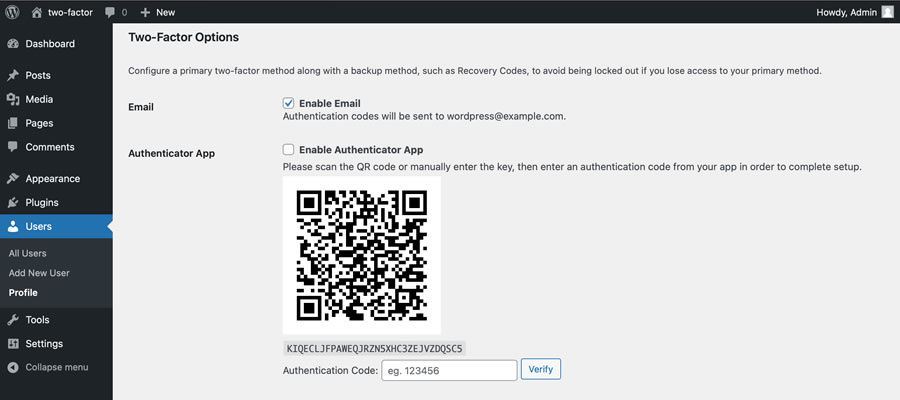
An official plugin from the WordPress team, Two-Factor adds 2FA settings to each user’s profile. It also supports several verification methods, including email, time-based one-time passwords (TOTP), FIDO Universal 2nd Factor (U2F), and backup codes. Note that 2FA can be enabled on a per-user basis or for all users via a code snippet.
2. Wordfence Login Security
Wordfence is known for its all-in-one security suite. However, they also offer a niche plugin that secures your site’s login. Wordfence Login Security supports TOTP-based apps such as Google Authenticator and Authy. What’s more, you can add reCAPTCHA protection to your login pages and guard against XML-RPC attacks. It’s a lightweight option that adds peace of mind.

3. WP 2FA
WP 2FA makes it easy to protect user accounts. There are options for protecting all users, specific users, or users with a particular role. The plugin supports email and TOTP authentication methods. It also allows users to set up their 2FA preferences on the front end where appropriate. Developers can use the plugin’s API to add support for additional 2FA providers.

4. Two Factor Authentication
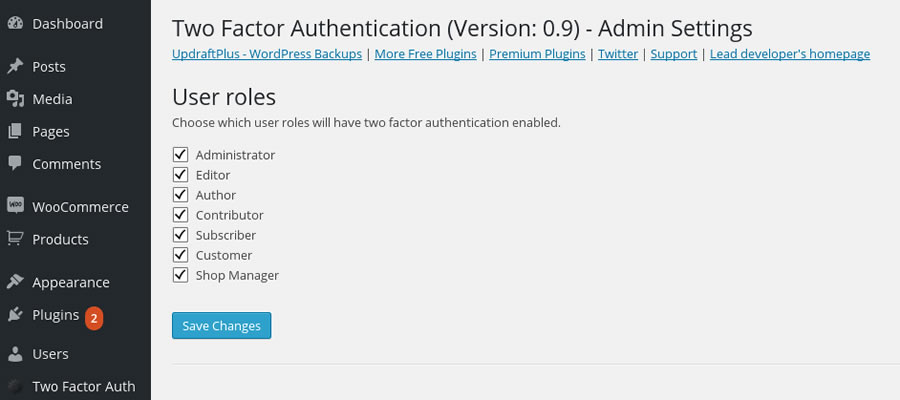
Add a layer of security to any user or user role on your WordPress website. Two Factor Authentication supports TOTP and HOTP methods. It’s also compatible with WooCommerce, Elementor Pro, Gravity Forms, and other popular plugins. The plugin can also remember trusted devices and will alert you if a user enters the correct password with an incorrect 2FA code.
5. Two Factor Authentication via Email
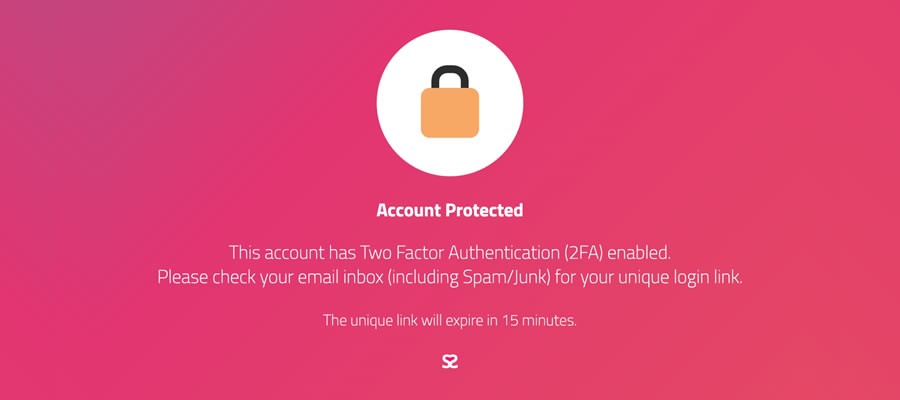
Here’s a simple solution for adding 2FA to your website. Install Two Factor (2FA) Authentication via Email, and a toggle will be added to each user profile. Enable 2FA for individuals or use the provided code snippet to turn it on sitewide. Note that email is the only supported authentication method.
6. Solid Security
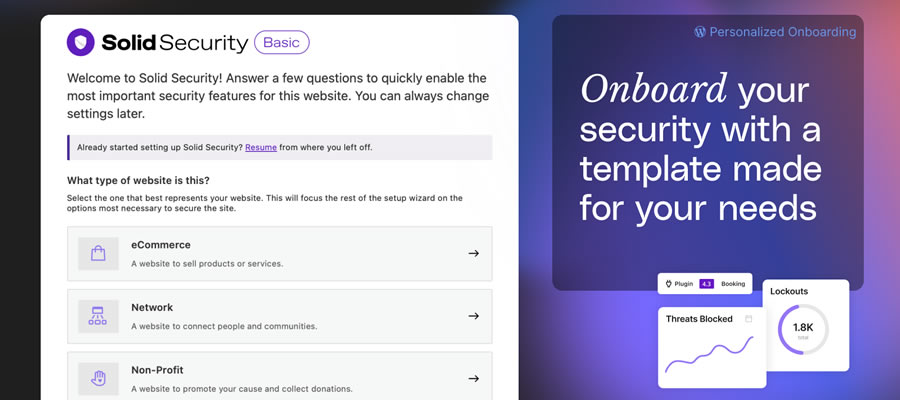
Solid Security includes a suite of tools to protect your website, including 2FA. The free version of the plugin offers email-based authentication, while the pro version supports TOTP and backup codes. You can also configure strong password requirements and ban users after repeated failed login attempts.
An Easy Way To Improve Your Website’s Security
Two-factor authentication is a must-have feature for every WordPress website. It’s also one of the easiest items to implement.
The plugins above streamline the process and provide multiple authentication options. So, whether you need to protect site administrators, e-commerce customers, or both, there’s a plugin for you.
Conclusion
We hope you found this plugin roundup useful. Check out our WordPress Security section for more helpful tips and tools. Securing your WordPress site with two-factor authentication is a straightforward and effective way to enhance your online security.
Frequently Asked Questions
1. What is two-factor authentication (2FA)?
Two-factor authentication (2FA) is a security process that requires two different forms of identification before granting access to an account. This typically includes something you know (password) and something you have (a code sent to your mobile device or email).
2. Why is 2FA important for WordPress?
2FA is crucial for WordPress sites as it provides an additional layer of security against unauthorized login attempts, reducing the risk of hacking and data breaches.
3. Can I use multiple 2FA plugins on WordPress?
While you can install multiple 2FA plugins, it is advisable to use only one at a time to prevent conflicts and ensure smooth operation.
4. Are there any costs associated with 2FA plugins?
Many 2FA plugins are free, but some offer premium features that may require a subscription or one-time payment. Check the plugin details for specific pricing.
5. How do I choose a 2FA plugin for WordPress?
When choosing a 2FA plugin, consider factors such as compatibility with your WordPress version, support for different authentication methods, user-friendliness, and customer reviews.
Written by Eric Karkovack
Eric Karkovack is a web designer and WordPress expert with over two decades of experience. You can visit his business site here. He recently started a writing service for WordPress products: WP Product Writeup. He also has an opinion on just about every subject. You can follow his rants on Bluesky @karks.com.
Read more articles by Eric Karkovack.
Top



0 Comments