

Enhancing WordPress with Syntax Highlighters
One of the truly great aspects of the wordpress design community is its willingness to share solutions and ideas. As such, many people choose to post tutorials and helpful code snippets on their blogs.
When displaying code, it’s a good idea to make snippets look as clean and easy to read as possible. You’ll also want to make sure that it’s easy for users to copy and paste for their own use.
Beyond posting snippets on the frontend, there are also some good reasons to add syntax highlighting within WordPress itself. For one, the standard WordPress code editor can be cumbersome when trying to find specific code – especially on longer pages and posts.
Here is a collection of free WordPress plugins to help you display and edit code, beautifully.
1. HTML Editor Syntax Highlighter
Now, to improve the WordPress Post/Page Editor, we have HTML Editor Syntax Highlighter. Highlighting code in the backend makes life much easier for developers.
This plugin not only highlights code, it also will restore your cursor position after a page reload (which eliminates a common pet peeve).
2. Code Syntax Block
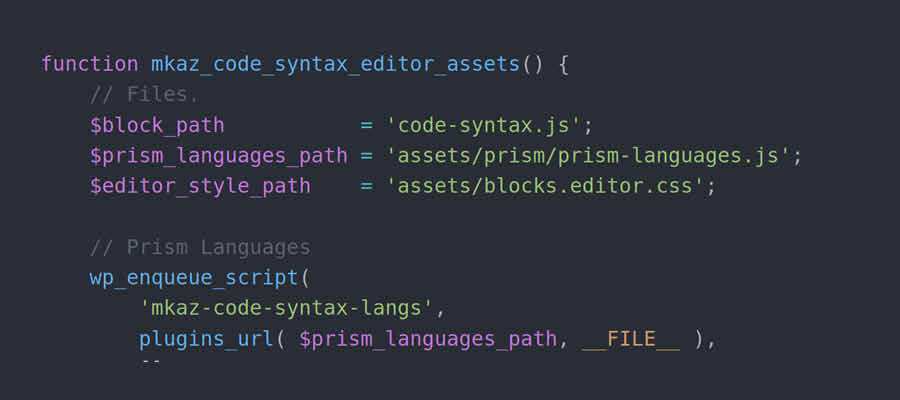
Utilizing the Prism syntax highlighter, Code Syntax Block enhances the existing Code block. This makes it easy to display formatted code snippets on the front end without any additional work.
In addition, the plugin includes a selection of visual themes. Additional choices are available through the Prism themes repository.
3. Syntax-highlighting Code Block
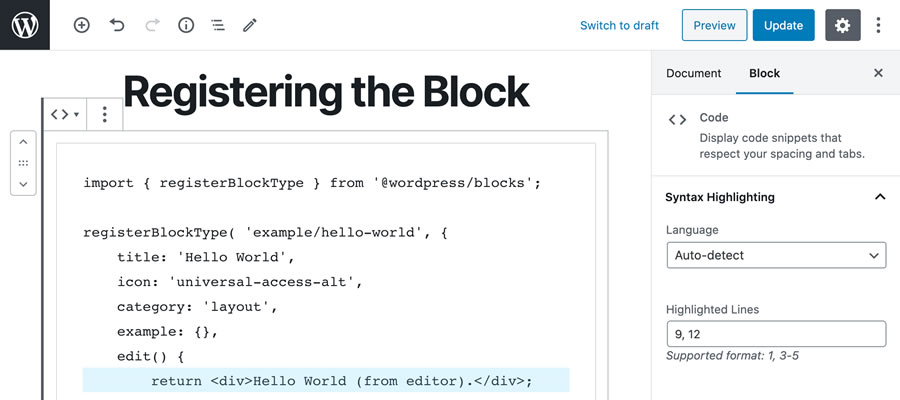
Syntax-highlighting Code Block has been built with an eye towards performance. Install the plugin and it will automatically add syntax highlighting to the WordPress Code block – including existing blocks.
Since it renders the code server-side, there’s no need to enqueue JavaScript on the front end of your site. CSS is only added on pages that contain a Code block. It’s also compatible with Google AMP.
4. SyntaxHighlighter Evolved
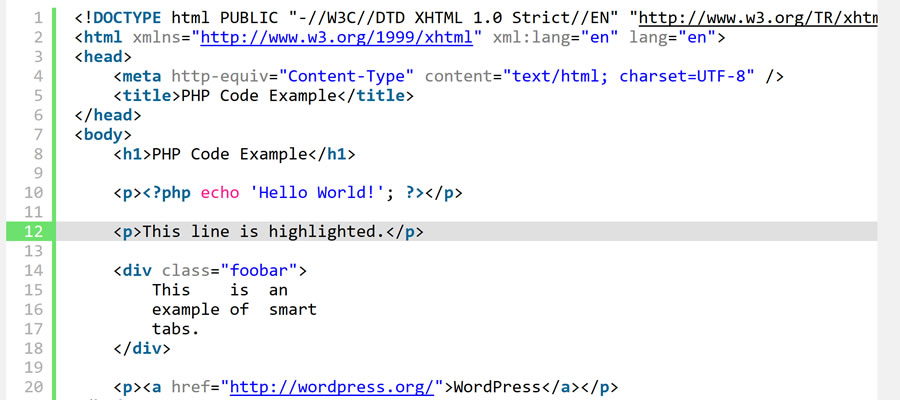
SyntaxHighlighter Evolved is a simple plugin that allows for adding nicely-formatted code to your WordPress website. It includes a custom block for Gutenberg users but still plays nicely with the Classic editor as well. As an aside, the block is also utilized over on WordPress.com.
5. Enlighter
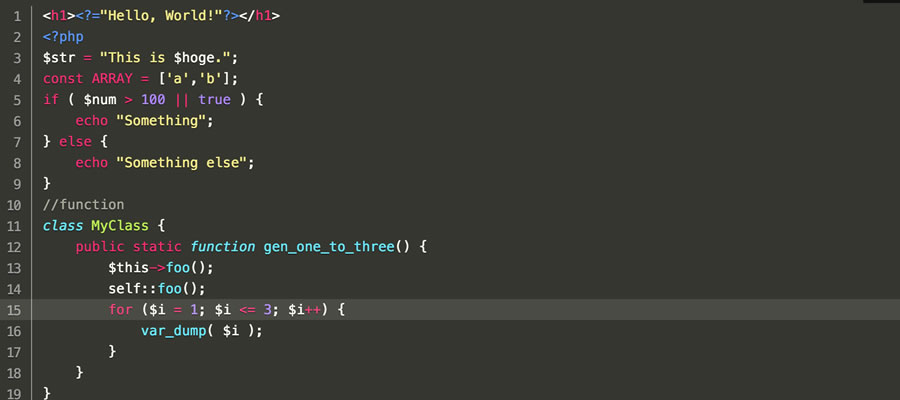
Enlighter will allow for full WordPress visual editor integration on both the backend and frontend of your site. This means the familiar TinyMCE editor you see inside of WordPress can also be shown on your public site. You’ll also be able to display tab-panes to group several snippets together.

6. Prismatic
Prismatic gives you three options for displaying code: Prism.js, Highlight.js, and Plain. The first two use their own respective libraries, while the third displays code without any syntax highlighting (allowing you to customize the way it looks). The plugin focuses on being lightweight and only loads CSS/JS when needed.

7. Highlight Code Block
Designed for use with both the block and Classic editors, Highlight Code Block makes displaying syntax-highlighted code a breeze. Several popular languages are supported, and the included settings screen lets you customize the display.
Highlight Your Site
Syntax highlighters are an easy way to enhance the user experience, whether you’re sharing snippets with the world or just editing your own code in the backend.
Take some time to experiment with one or more of the plugins above and see which of them works best for you.
Syntax Highlighter WordPress Plugin FAQs
-
What Is a Syntax Highlighter WordPress Plugin?
They’re WordPress plugins that improve the way code is displayed on your WordPress site. It makes code snippets easier to read by adding color coding and styling to different elements.
-
Who Should Use Syntax Highlighter Plugins?
They are ideal for anyone who shares code on their WordPress site, such as developers, programmers, tech bloggers, and educators.
-
Why Use a Syntax Highlighter Plugin on Your WordPress Site?
They help make code more readable to your visitors. They are especially useful if you’re providing tutorials or sharing code snippets.
-
Can Syntax Highlighter Plugins Support Different Programming Languages?
Most of these plugins are designed to support almost all programming languages.
More Essential Free WordPress Plugins
Written by Eric Karkovack
Eric Karkovack is a web designer and WordPress expert with over two decades of experience. You can visit his business site here. He recently started a writing service for WordPress products: WP Product Writeup. He also has an opinion on just about every subject. You can follow his rants on Bluesky @karks.com.
Read more articles by Eric Karkovack
Top



0 Comments