
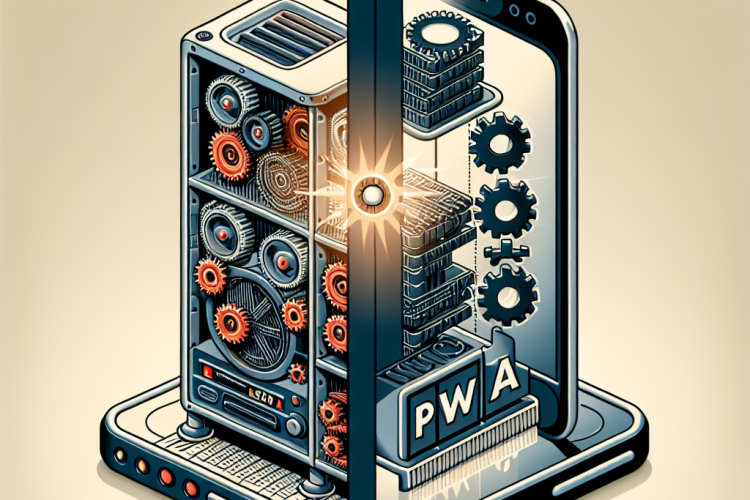
Django, a high-level Python web framework, has long been favored for its clean and pragmatic design. It allows developers to build robust web applications quickly. However, in the rapidly evolving world of web development, static and server-rendered applications are not enough. User expectations demand faster and more interactive experiences, pushing developers to modernize with technologies like Progressive Web Applications (PWAs).
Understanding Django
Django is designed to help developers build applications quickly and efficiently. It follows the model-template-views (MTV) architectural pattern. This framework is favored for its simplicity, scalability, and extensive ecosystem, which includes a wide range of third-party applications.
Introduction to Progressive Web Applications (PWAs)
Progressive Web Applications bring the best of web and mobile apps. They provide offline capabilities, push notifications, and the ability to be installed on the user’s device, giving a native app feel. These characteristics result in enhanced user engagement and improved performance.
Characteristics of PWAs
- Reliability: Load instantly and offer offline capabilities.
- Performance: Deliver a smooth experience with fast load times.
- Engagement: Utilize push notifications and app-like interactions.
- Installability: Allow users to install on their devices without app stores.
Why Modernize Your Django Application?
Modernizing your application ensures that you meet current user expectations and leverage new web technologies to improve performance and engagement. Transitioning to a PWA enhances accessibility, while features such as push notifications and offline functionality increase user retention.
Steps to Transform Django App into a PWA
1. Analyze the Application Architecture
Before making changes, evaluate your application’s current structure. Understand how data flows through your application and which parts can benefit from client-side enhancements.
2. Implement a Service Worker
A service worker is a script that your browser runs in the background, separate from a web page. It enables features such as push notifications and background sync. Registering a service worker is the first step in enabling PWA features.
// Register the service worker in main HTML file

if ('serviceWorker' in navigator) {

    window.addEventListener('load', function() {

        navigator.serviceWorker.register('/service-worker.js').then(function(registration) {

            console.log('ServiceWorker registration successful:', registration.scope);

        }, function(err) {

            console.log('ServiceWorker registration failed:', err);

        });

    });

}
3. Configure App Manifest
The web app manifest is a simple JSON file that describes your application. It controls how your app appears to users and can be installed on their home screen.
{

    "name": "My PWA",

    "short_name": "PWA",

    "start_url": ".",

    "display": "standalone",

    "background_color": "#fff",

    "description": "A Progressive Web Application example.",

    "icons": [

        {

            "src": "images/icon.png",

            "sizes": "192x192",

            "type": "image/png"

        }

    ]

}
4. Implement Offline Support
Offline capabilities ensure that your users can access the application even without an internet connection. Use the service worker to cache assets and manage requests.
5. Use Frontend Frameworks
Implementing frontend frameworks like React or Angular can convert your Django app into a single-page application (SPA), enhancing speed and responsiveness.
6. Enhance UI/UX
Beyond backend changes, consider revamping your application’s design for a more pleasant user experience. Responsive design and mobile-first development are crucial.
Challenges and Considerations
The transition to a PWA isn’t without challenges. Potential issues include managing caching effectively, ensuring security, and redesigning parts of your application to fit a SPA model. Testing extensively across devices and browsers is essential.
Transitioning your Django application to a Progressive Web Application can significantly enhance performance and user engagement. Although the process requires careful planning and execution, the benefits of modernizing your web application are substantial. By embracing PWAs, you prepare your application for the future, offering users a more dynamic, reliable, and immersive experience.



0 Comments