
Introduction
In today’s digital age, directory apps play a crucial role in helping users find information quickly and efficiently. Whether it’s finding local restaurants, service providers, or professional contacts, a well-designed directory app enhances the user experience by providing relevant and easily accessible information.
Understanding User Needs
The first step in designing an effective directory app is understanding the needs and preferences of your target users. Performing comprehensive user research, including surveys and interviews, can help identify what users are looking for and how they interact with directory services.
Simplicity and Usability
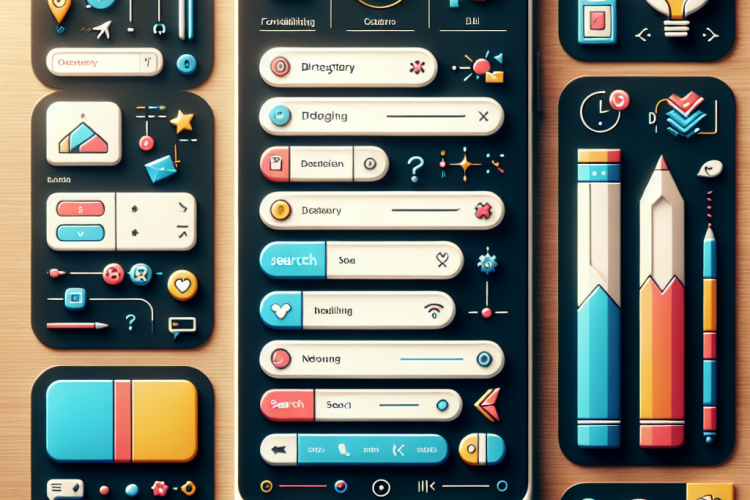
Simplicity and usability are key components of a successful directory app. The app should be intuitive, with a clear layout and straightforward navigation. Consider using large, easy-to-read fonts, and ensure that buttons and interactive elements are easily tappable, especially on mobile devices.
- Reduce clutter by focusing on essential features.
- Incorporate a search bar for easy access to information.
- Use recognizable icons and labels to guide the user.
Personalization and Customization
Personalizing the user experience can significantly improve engagement. Implement features that allow users to customize their experience, such as saving favorite locations or setting preferences for search results. A personalized app can cater to individual needs, making it more relevant and useful.
Incorporating Feedback and Reviews
User reviews and feedback are valuable resources for improving your directory app’s reliability and trustworthiness. Allow users to leave reviews and ratings, and ensure these are prominently displayed in search results. This transparency can help users make informed decisions based on real experiences.
Optimizing for Performance
Fast load times and smooth performance are crucial for maintaining user engagement. Optimize your app’s code and assets to ensure quick loading, and conduct regular testing to identify and fix performance bottlenecks. Use caching where possible to enhance load times.
Responsive Design
A responsive design ensures that your directory app provides a consistent experience across different devices and screen sizes. Utilize flexible layouts and responsive images to adapt to various devices, improving accessibility and usability for all users.
Conclusion
Designing an effective directory app involves understanding user needs, focusing on simplicity, personalizing experiences, incorporating feedback, optimizing performance, and ensuring responsive design. By prioritizing these aspects, you can create a user-friendly directory app that meets the needs of its users and stands out in a competitive digital marketplace.



0 Comments