
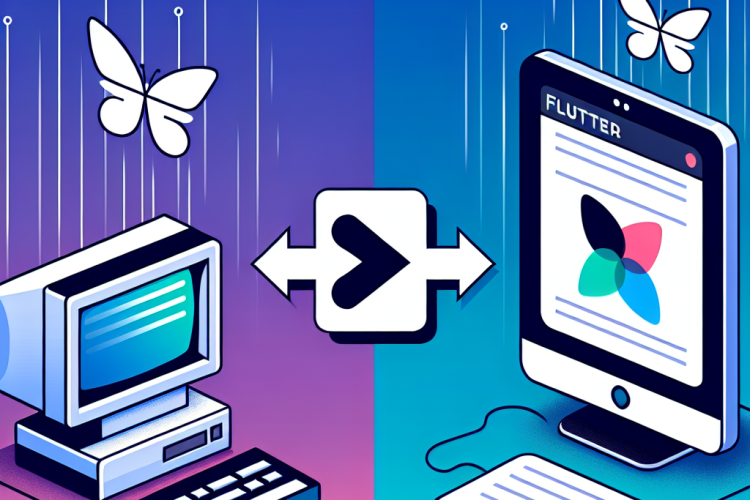
As the technology landscape continues to evolve, many developers are exploring new frameworks and tools to enhance their productivity and the user experience of their applications. One such framework that has gained significant traction in recent years is Flutter. Originally developed for mobile app development, Flutter has expanded its reach into web development as well. This article will discuss what to expect when migrating from traditional web development to Flutter.
Understanding Flutter
Flutter is an open-source UI software development toolkit created by Google. It allows developers to build natively compiled applications for mobile, web, and desktop from a single codebase. With widgets at its core, Flutter makes it possible to create visually appealing interfaces that are both responsive and fast.
Key Differences in Development Approach
When transitioning from traditional web development (like HTML, CSS, and JavaScript) to Flutter, you will notice several differences:
- UI Composition: Traditional web development relies heavily on HTML and CSS for layout and styling, while Flutter uses a widget tree structure that encapsulates both the design and functionality of UI elements.
- Reactive Programming: In Flutter, the concept of reactive programming is more prominent. Changes in data will automatically result in updates to the UI, simplifying state management.
- Single Codebase: With Flutter, you write your application once and deploy it to multiple platforms, eliminating the need for separate codebases.
Learning Dart
Flutter uses Dart as its programming language. If you come from a JavaScript background, you will find Dart familiar yet unique. Some key features of Dart include:
- Strongly typed with sound null safety.
- Asynchronous programming with Future and Stream classes.
Development Environment Setup
To start working with Flutter, you’ll need to install the Flutter SDK and set up your development environment. Key steps include:
- Download and install the Flutter SDK from the official Flutter website.
- Set up an IDE (like Visual Studio Code or Android Studio) with the relevant Flutter and Dart plugins.
- Run
flutter doctorin the terminal to verify that everything is properly installed.
UI Design Principles
While transitioning to Flutter, understanding the design principles is crucial. Flutter promotes:
- Theming: Customize the look and feel of your application globally using the
ThemeData. - Layouts: Flutter provides a rich set of layout widgets for creating complex UIs, such as
Column,Row, andStack. - Animations: Flutter makes it easy to integrate animations for enhanced user engagement.
Challenges to Anticipate
While there are numerous advantages to migrating to Flutter, there are also challenges you might face:
- Learning Curve: Familiarizing yourself with Dart and the Flutter framework can take time.
- Limited Library Support: Although Flutter has a growing library ecosystem, it may not yet be as extensive as that of JavaScript frameworks.
Conclusion
Moving from traditional web development to Flutter presents an exciting opportunity to streamline your workflow and create high-quality applications across multiple platforms. By understanding the key differences, learning Dart, setting up your environment, and embracing the design principles of Flutter, you can enjoy a successful transition to this powerful framework. As you embark on this journey, keep in mind that like any new technology, practice and experimentation are essential for mastery.

0 Comments