
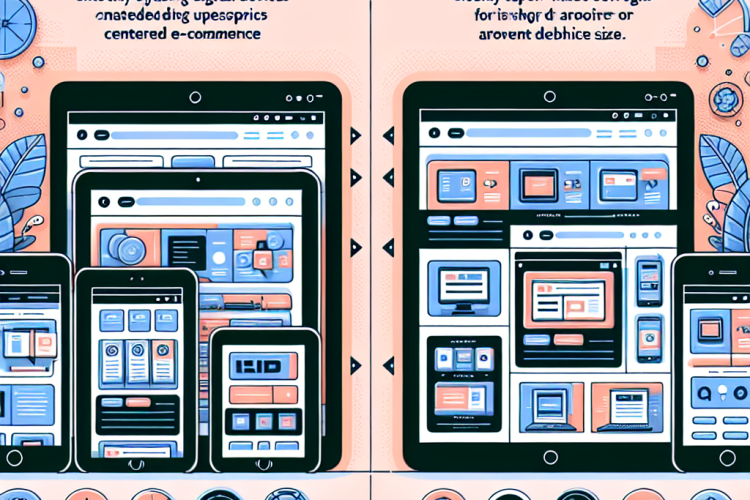
In the rapidly evolving world of eCommerce, having an appealing online store is no longer enough. The way your store presents itself across various devices is crucial for both user satisfaction and conversion rates. This is where the debate between responsive and adaptive design comes into play. As a WooCommerce store owner, understanding the distinction between these two approaches can significantly impact your site’s performance and user experience.
Understanding Responsive Design
Responsive design is an approach where a website is built to adapt smoothly to different screen sizes and orientations. It uses flexible grids, layouts, and media queries to ensure that elements on the page scale proportionately with the screen size.
Key Features of Responsive Design
- Fluid Grids: Elements on the page resize in relation to each other as the screen size changes.
- Media Queries: CSS rules that apply different styles based on the device’s characteristics, such as width and resolution.
- Flexible Images: Images are scaled according to the user’s screen size, ensuring no overflow or distortion.
Benefits of Responsive Design
- Unified User Experience: All users, regardless of the device, enjoy a consistent experience.
- Improved SEO: Google recommends responsive design, which can positively influence your search engine rankings.
- Cost-Effective: You only need to maintain one version of your website instead of multiple versions for different devices.
Understanding Adaptive Design
Adaptive design, on the other hand, focuses on creating multiple layouts for different devices. Instead of a single flexible layout, adaptive design detects the device being used and serves a version of the site that is optimal for that particular device.
Key Features of Adaptive Design
- Multiple Layouts: Developers create different versions of a page that can be served based on the user’s device.
- Device Detection: Scripts detect the device type and resolution to serve the appropriate layout.
- Static Content: Adaptive sites often use fixed-width layouts, which can be an advantage or disadvantage depending on the context.
Benefits of Adaptive Design
- Optimized Performance: Each layout can be tailored for the device, leading to quicker load times and better performance.
- User-Centric Design: Custom designs can cater specifically to the needs of users on particular devices.
- Enhanced Control: Designers have more control over how content appears on different devices.
Responsive vs. Adaptive: A Direct Comparison
Development and Maintenance
One of the significant differences between responsive and adaptive design is the effort required for development and maintenance. Responsive design typically requires less ongoing maintenance since there is only one codebase to manage. In contrast, adaptive design may require more resources as multiple layouts must be updated to ensure consistency across devices.
User Experience
When considering user experience, responsive design ensures that all users have a similar experience, while adaptive design can provide a more tailored experience. However, if the adaptive layouts are not correctly implemented, they can lead to a fragmented user experience.
SEO Considerations
From an SEO perspective, Google favors responsive design because it allows for a single URL for each content piece, which simplifies sharing and linking. On the other hand, adaptive design may require handling multiple URLs for different layouts, potentially complicating SEO strategies.
Which Is Best for Your WooCommerce Store?
Choosing between responsive and adaptive design for your WooCommerce store ultimately depends on various factors, including your target audience, resources, and business goals. Here are some considerations to help you decide:
1. Understand Your Customer Base
Analyze your customer demographics and behaviors. If a significant portion of your customers are mobile users, you might benefit from an adaptive approach that offers tailored experiences for smaller screens. However, if your audience is diverse and accesses your store from various devices, a responsive design may provide a more consistent experience.
2. Assess Your Resources
Consider the resources at your disposal, including time and budget. Responsive design usually requires less ongoing investment, while adaptive design may necessitate hiring additional developers for maintaining multiple layouts.
3. Evaluate Your Content
Take into account the nature of your products and content. If your store relies heavily on rich media, adaptive design might offer slight advantages in delivering optimized visuals for high-resolution displays. Conversely, if your content is primarily text-based, responsive design will suffice.
Conclusion
In the end, both responsive and adaptive design have their advantages and disadvantages. Responsive design offers simplicity and a uniform experience across devices, making it an excellent choice for many WooCommerce stores. On the other hand, adaptive design allows for more tailored user experiences but can require additional resources to manage effectively.
Ultimately, the best approach depends on your specific business needs, audience preferences, and available resources. Carefully considering these factors will help you create an online store that not only looks great but also functions optimally for every user, regardless of the device they choose to shop on.


0 Comments