

Essential WordPress Plugins Every Developer Should Consider
This article was made possible by funding from WordPress.com. All Opinions and rankings are independent and not reviewed by WordPress.com.
You may think of WordPress plugins as tools for improving a website. That makes plenty of sense. We use them to add features for users and site owners. They add capabilities like SEO, shopping carts, and layout building to the mix. Plugins aren’t just here to serve those groups, however. There are also products designed specifically for web developers. These expert-only items enable us to troubleshoot issues, measure performance, monitor site functionality, and more.
Some utilities are even meant to be installed temporarily. Use them and then lose them. All the better to keep a curious client from wreaking havoc!
With that in mind, let’s look at a handful of WordPress plugins that cater to developers. You might find a few that fit your workflow.
1. Health Check
This official WordPress plugin belongs in every developer’s toolbox. It’s a debugging tool that makes troubleshooting potential plugin and theme conflicts easier to diagnose. You can “virtually” deactivate items within your user session to identify which one is causing an issue.
Importantly, visitors to your website won’t be impacted by your tests. You’ll also find a plethora of debug data and confirmation that WordPress core files haven’t been tampered with. When things go wrong, reach for Health Check.
2. Query Monitor
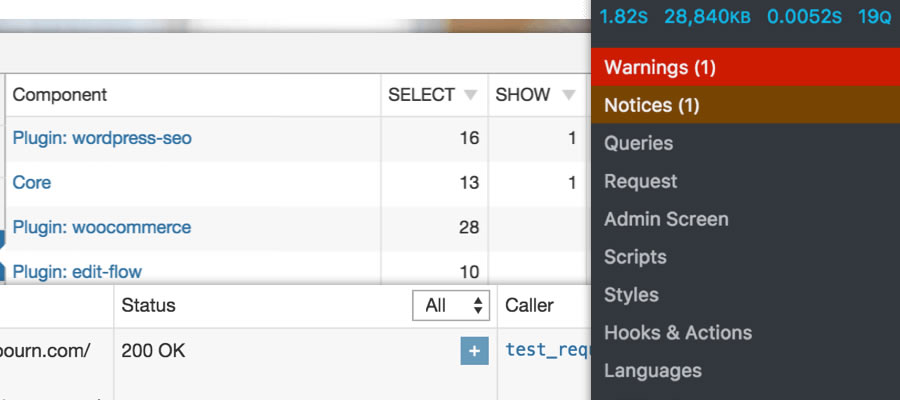
Does your website have performance issues? Is it riddled with PHP or JavaScript errors? Query Monitor will help you pinpoint the source of a myriad of problems. The plugin logs errors and keeps track of everything that happens during a page load on the front and back ends of your website.
You’ll also find handy details such as the current theme template, user capability info, and server environment settings. There is also a selection of add-ons for extending Query Monitor’s functionality.
3. Disable Emails
Raise your hand if you’ve ever accidentally triggered a user email when working on a website. It’s a common issue when troubleshooting or building new features. Activate Disable Emails, and you won’t have to worry about that WooCommerce invoice or password reset being sent.
It’s also a perfect companion when working on a local or staging environment.
4. Code Profiler
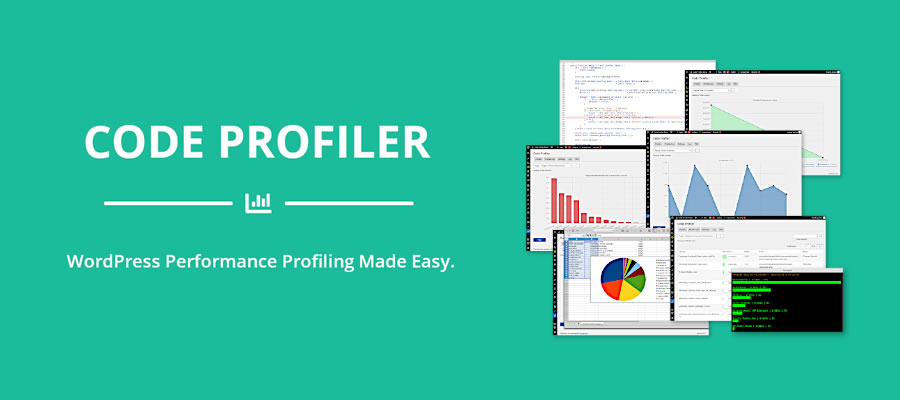
Your site’s theme, plugins, and custom code snippets all impact performance. But how much? Code Profiler provides a visual overview of load times, disk usage, and more. The colorful (and exportable) charts make it easy to identify what’s slowing down your site.
The plugin also works with WP-CLI and accommodates custom cookies/HTTP headers.
5. Advanced Cron Manager
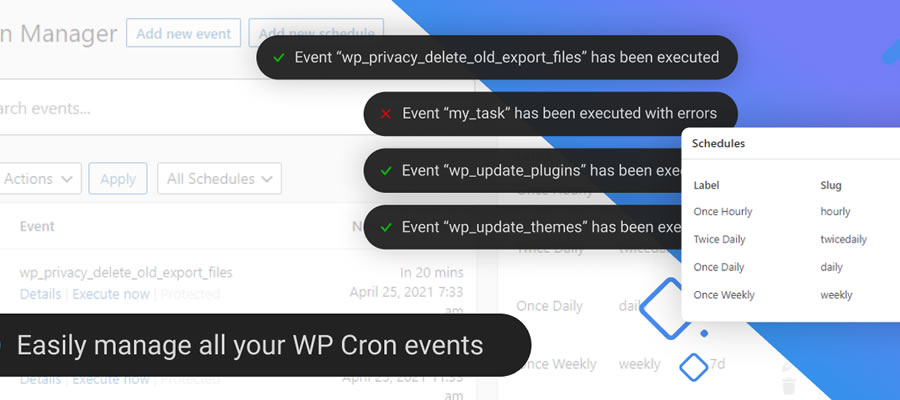
WordPress relies on cron tasks for functionality like sending emails and detecting software updates. In some cases, a failed task can lead to problems – particularly for e-commerce and membership sites.
Advanced Cron Manager allows you to view registered tasks, modify their schedules, and add new tasks to the list. The plugin helps you take control of an otherwise invisible process.
6. Email Log
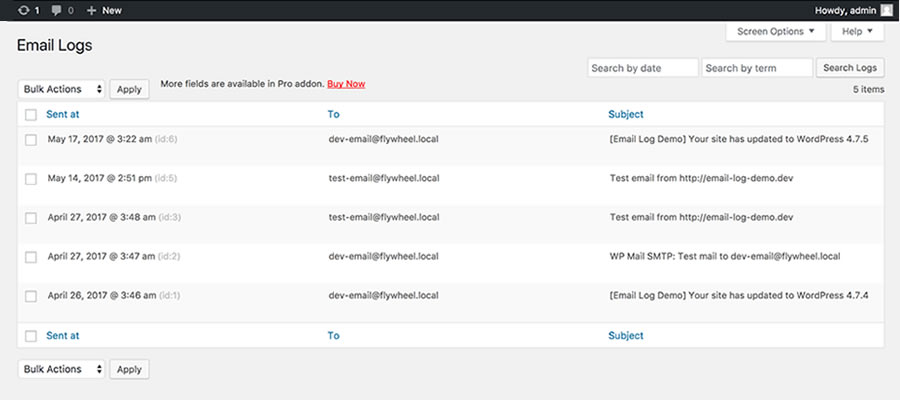
Let’s face it: email is unreliable. That said, we still count on it for receiving form submissions and e-commerce orders. Email Log provides peace of mind by tracking every email WordPress sends. It also serves as the first step in troubleshooting email delivery issues.
Plugins To Help You Build and Troubleshoot Faster
Developers have no shortage of responsibilities. We not only build websites with WordPress, but we also maintain and troubleshoot them. The right tools are essential for our efficiency and sanity.
The plugins on this list help us do just that. They provide useful data, allow fine-grained control over site processes, and alert us to potential problems. Even better is that we can install them with just a few clicks.
So, don’t go it alone when working with WordPress. Use the tools above to give you an edge – you’ll be glad to have them in your toolbox.
More Essential Free WordPress Plugins
Here, you can explore more free plugins that enhance your WordPress experience.
Conclusion
In summary, effective WordPress development requires an arsenal of powerful tools. The plugins discussed—from Health Check to Email Log—provide crucial services that streamline the development, troubleshooting, and overall site management processes. Integrating these plugins into your workflow not only enhances efficiency but also improves website functionality and user experience.
FAQs
1. What is the best plugin for debugging WordPress issues?
The best plugin for debugging is the Health Check plugin. It allows you to troubleshoot conflicts by virtually deactivating plugins without affecting site visitors.
2. How can I evaluate the performance of my WordPress site?
You can use the Query Monitor plugin, which logs errors and tracks everything that occurs during page loads on both the front and back ends of your site.
3. Can I temporarily disable emails from WordPress?
Yes, you can activate the Disable Emails plugin to prevent user emails from being sent during testing or troubleshooting.
4. How can I monitor scheduled tasks in WordPress?
The Advanced Cron Manager plugin allows you to view, modify, and add new tasks to your cron jobs in WordPress.
5. What should I do if my emails are not being sent from WordPress?
Using the Email Log plugin can help track sent emails and troubleshoot any delivery issues you may be facing.
Written by Eric Karkovack
Eric Karkovack is a web designer and WordPress expert with over two decades of experience. You can visit his business site here. He recently started a writing service for WordPress products: WP Product Writeup. He also has an opinion on just about every subject. You can follow his rants on Bluesky @karks.com.
Read more articles by Eric Karkovack
Top



0 Comments