
Introduction
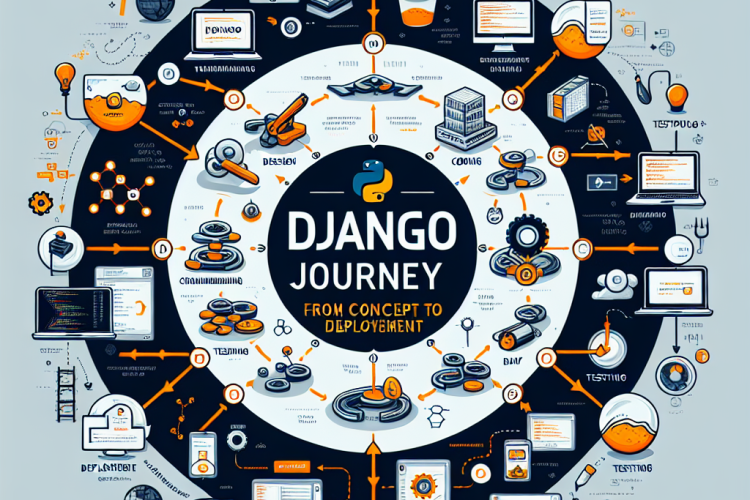
Django is a high-level Python web framework that encourages rapid development and clean, pragmatic design. Created by experienced developers, it takes care of much of the hassle of web development. This article explores the journey of building a web application using Django, from initial concept to final deployment.
Understanding the Concept
The journey begins with a clear understanding of the project’s concept. It involves identifying the problem you aim to solve and defining your application’s purpose, target audience, and core features.
Setting Up Your Environment
Before diving into development, setting up your environment is crucial. This involves installing Python and Django, and setting up a virtual environment to manage dependencies effectively.
python -m venv myenv

source myenv/bin/activate

pip install django
Starting a New Project
With Django installed, you can start a new project using the Django admin command. This creates a project directory structure and management scripts.
django-admin startproject myproject
Designing the Model
In Django, models are Python classes that define the structure of your database. You’ll use Django’s ORM to interact with the database, making it easier to create, retrieve, update, and delete data.
Building the Views
Views are the heart of a Django application. They receive web requests and return web responses. A view is a Python function that takes a web request and returns a web response.
Creating Templates
Templates in Django allow you to define the structure of your web pages. They use Django’s template language to dynamically generate HTML.
Managing URLs
Django uses a flexible URL dispatcher to manage the mapping of URLs to views. You define the URL patterns in your app’s urls.py file and map them to the corresponding views.
Adding Static Files
In web development, static files like CSS and JavaScript are essential. Django provides a way to manage these files separately from your application logic.
Testing the Application
Testing is a crucial phase in Django development. The framework comes with a built-in testing framework to help you write unit tests for your application, ensuring everything functions as expected before deployment.
Optimizing for Performance
Performance optimization involves using tools like Django’s caching framework to improve load times and manage database queries efficiently.
Securing the Application
Security is paramount. Django provides many security features, including authentication and permission classes, to help protect your app from common vulnerabilities.
Preparing for Deployment
Before deploying, configure settings for production, including debug mode, allowed hosts, and database settings. Decide on a hosting option that suits your needs.
Deploying Your Application
Deploying a Django app involves setting up a WSGI server and database on your hosting provider. Common platforms include Heroku, AWS, and DigitalOcean.
Conclusion
From concept to deployment, the journey with Django is comprehensive yet rewarding. By following structured steps and utilizing Django’s powerful features, developers can efficiently bring web applications to life. The framework’s emphasis on pragmatism and clean design makes it a preferred choice for many development projects.


0 Comments