
Introduction
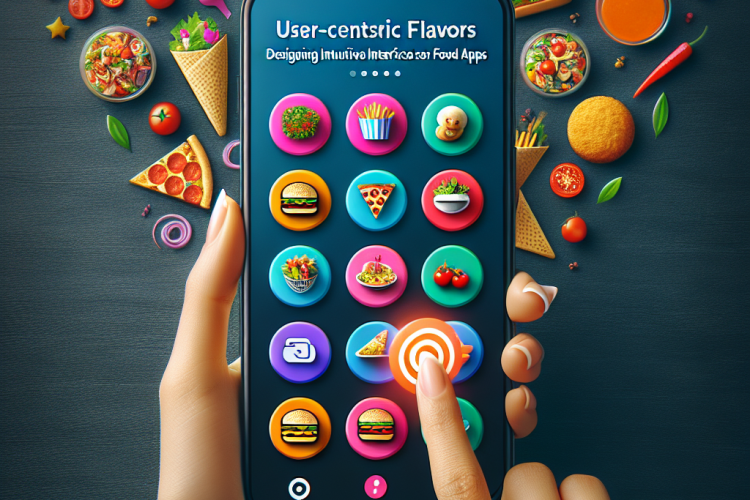
In today’s fast-paced digital world, food apps have become essential tools for both consumers and food service providers. With the vast array of options available, creating a user-centric interface is crucial. This article explores the key principles of designing intuitive interfaces for food applications, ensuring a seamless user experience that resonates with diverse palates.
Understanding User Needs
The first step in designing any interface is understanding the users. For food apps, users can vary from busy professionals seeking quick lunch options to families wanting to plan dinner. Here are core user needs to consider:
- Ease of navigation.
- Personalization based on dietary preferences.
- Visual appeal that showcases food items enticingly.
- Quick access to nutritional information and allergens.
Visual Design Principles
A food app’s visual design can significantly affect user engagement and satisfaction. Here are some key design principles:
1. Color Palette
Using appetizing colors can elevate the overall aesthetic of the app. Warm colors like reds and yellows stimulate hunger, while greens promote health.
2. Typography
Choosing readable fonts is crucial. Clear typography helps users absorb information quickly, especially in menus or recipes.
3. Imagery
High-quality images of food can enhance the user’s desire to try new dishes or order food. Ensure images are not just placeholders but visually represent the actual dishes.
Navigation and Usability
Intuitive navigation ensures users can quickly find what they’re looking for. Here are a few strategies:
- Prioritize important features like search and order history on the homepage.
- Use tabs or a bottom navigation bar for easy switching between categories.
- Implement a simple onboarding process for new users to familiarize them with the app.
Personalization and Recommendations
Personalization enhances user experience by providing relevant content and recommendations. Utilize user data to:
- Suggest dishes based on previous orders.
- Create profiles that remember dietary restrictions and preferences.
- Introduce seasonal and local dishes to encourage exploration.
Conclusion
Designing intuitive interfaces for food apps requires a deep understanding of user needs and preferences. By focusing on visual appeal, usability, and personalization, developers can create enriching experiences. In an industry as dynamic as food services, user-centric design is not just a choice, but a necessity.


0 Comments