
Introduction
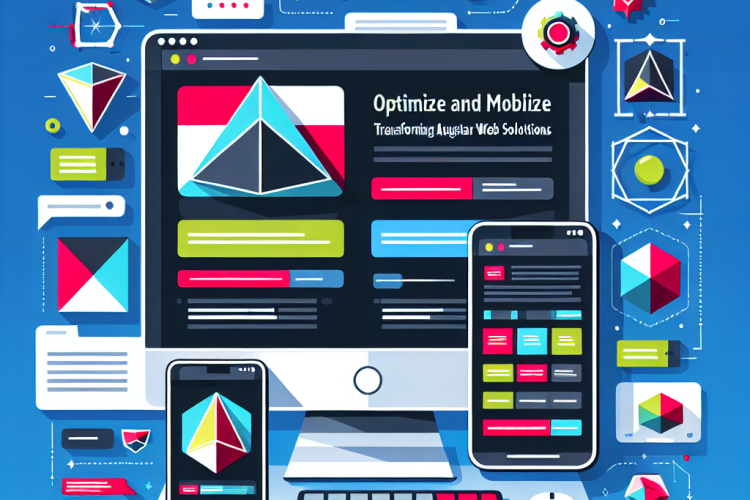
In the digital era, mobile devices have become the primary means of accessing web content. As a result, optimizing web solutions for mobile is no longer optional but essential. Angular, a robust front-end framework, provides various tools and methodologies to create responsive and mobile-first applications. This article explores effective strategies to transform Angular web solutions to perform optimally on mobile devices.
The Importance of Mobile Optimization
Mobile optimization enhances user experience and accessibility, significantly impacting user retention and engagement. With an increasing number of users relying on smartphones and tablets, websites and applications must be designed with mobile users in mind. Ensuring that your Angular applications are mobile-friendly leads to better SEO rankings, faster load times, and improved usability.
Responsive Design Principles
Responsive design is the cornerstone of mobile optimization. Applying fluid grids, flexible images, and media queries allows an application to adapt seamlessly to various screen sizes and orientations. Using Angular’s built-in tools, such as Angular Flex Layout, developers can create dynamic layouts that respond gracefully to different devices.
Performance Optimization Techniques
Optimizing performance is critical for mobile devices, which may have limited processing power and slower network connections compared to desktops. Techniques include lazy loading modules, minimizing bundle sizes, and using ahead-of-time (AOT) compilation to decrease load times and enhance performance.
Optimizing UI Components for Mobile
UI components must be optimized for touch interactions and smaller screens. Angular Material provides a variety of mobile-friendly UI components that adhere to material design principles. Ensuring touch-friendly designs with appropriate spacing and intuitive controls can significantly enhance user interaction on mobile devices.
Testing and Deployment for Mobile Environments
Thorough testing on various devices and screen sizes is crucial to ensure consistency and functionality. Tools such as BrowserStack and Selenium can facilitate testing across a multitude of devices. Once testing is complete, deployment strategies leveraging tools like Firebase Hosting or Netlify can ensure that the mobile version of your application is readily accessible.
Incorporating Analytics and User Feedback
Implementing analytics helps track user interactions and performance metrics, providing insights necessary to refine mobile strategies. Integrating tools like Google Analytics or Matomo can assist in understanding user behavior and identifying areas for improvement. Additionally, user feedback should be actively solicited to guide further enhancements.
Conclusion
Optimizing Angular web solutions for mobile devices is a multifaceted process that involves careful consideration of design, performance, and user interaction. By embracing responsive design principles, optimizing performance, and tailoring UI components for mobile users, developers can create applications that not only meet but exceed user expectations. With continuous testing, monitoring, and user feedback, Angular applications can remain competitive and highly functional in the fast-paced mobile landscape.



0 Comments