
-
Client Overview
ProjectLink Solutions is a mid-sized digital marketing agency based in Silver City. Specializing in integrating various SaaS applications for marketing and client management, they aim to optimize workflows and enhance overall efficiency.
-
Industry & Business Background
The digital marketing industry is rapidly evolving, with increasing reliance on technology for data management and client engagement. ProjectLink Solutions primarily serves small to medium-sized businesses across various sectors, utilizing tools such as CRMs, marketing automation platforms, and analytics solutions to create tailored marketing strategies.
-
Challenges Faced
ProjectLink Solutions encountered several challenges:
- Manual data entry processes leading to human errors and delays.
- Difficulty in managing client interactions across multiple platforms.
- Inefficiencies in marketing campaign tracking and reporting.
- Lack of real-time data analytics resulting in missed opportunities.
- Difficulty integrating diverse tools due to varying APIs and authentication protocols.
-
Project Goals & Objectives
The primary objectives of the project included:
- Streamlining workflows by implementing automation.
- Integrating multiple platforms (CRM, marketing tools, databases) to create a seamless user experience.
- Establishing real-time reporting and analytics.
- Reducing manual errors and increasing team productivity by 30%.
- Enhancing client interaction through prompt responses and follow-ups.
-
Solution & Strategy
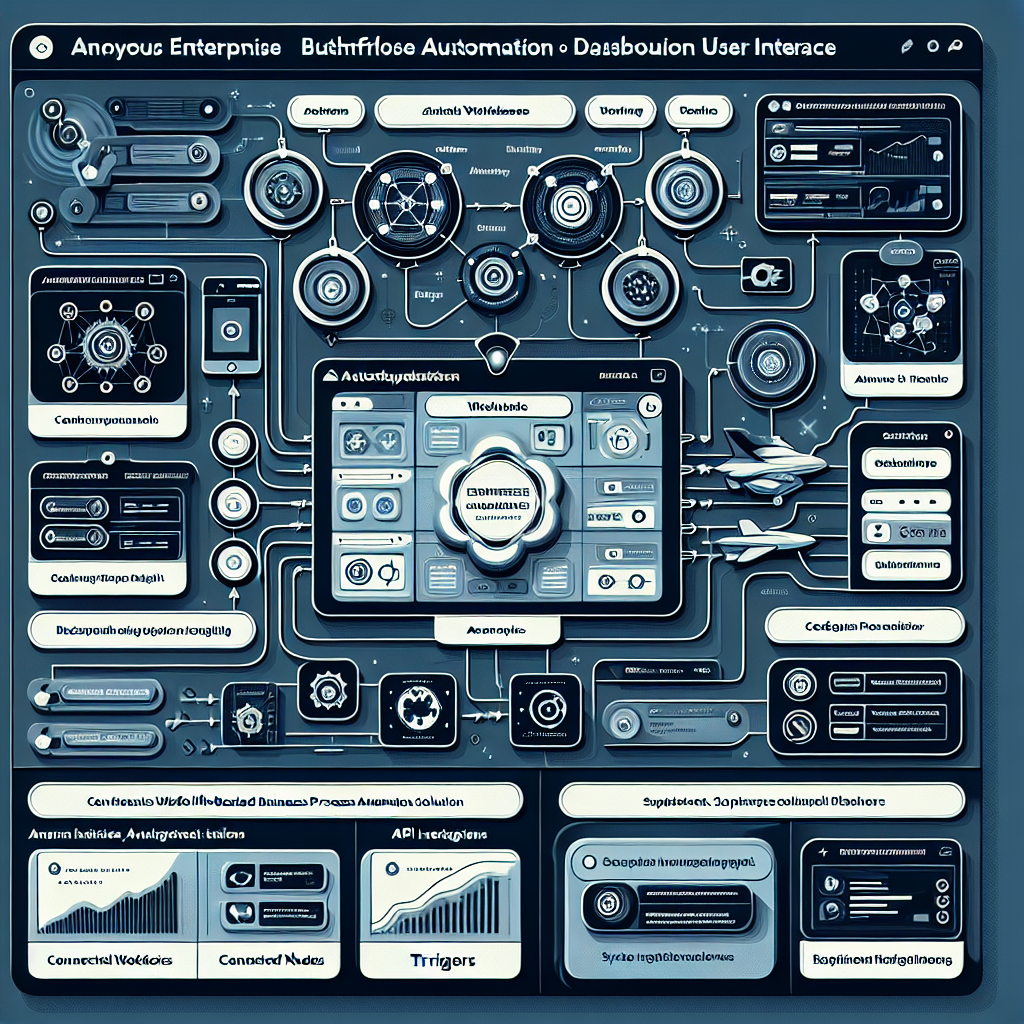
Our strategy involved leveraging n8n, an open-source workflow automation tool, to create trigger-based workflows. This approach facilitated the integration of various APIs and webhooks, leveraging OAuth and API keys for authentication. We prioritized error handling and logging to ensure smooth operations, and designed workflows that could seamlessly scale as the business grew.
-
n8n Automation Design & Development Process
The development process began with requirement gathering and mapping existing workflows. We identified key integration points between the CRM, marketing tools, and analytics.
The following steps were taken:
- Designed and developed automated workflows using n8n based on identified triggers (new leads, campaign performance updates).
- Established connections to external APIs for data synchronization.
- Implemented error handling mechanisms to catch and log failures.
- Tested the workflows in staging environments before going live.
- Continued to optimize performance through iterative feedback.
-
Tools & Technologies Used
- n8n for workflow automation
- Salesforce CRM for client data management
- Mailchimp for email marketing integration
- Google Sheets for data logging
- Zapier for additional connector options where necessary
- Postman for API testing
- Heroku for hosting
-
Key Takeaways
- Effective automation reduces manual work and operational overhead.
- Utilizing APIs and webhooks streamlines data flow between systems.
- Error handling and logging are critical for maintaining system reliability.
- Trigger-based workflows can enhance responsiveness to customer interactions.
- Continuous optimization based on user feedback enhances productivity and efficiency.
"Working with this agency transformed our operations. The n8n automation has significantly streamlined our workflows and improved accuracy."
Emily Johnson Founder